Since 2015 we’ve been running Android emulators literally 24 hours a day, 365 days a year, on hundreds of PCs, across thousands of game accounts. That’s millions of emulator-hours of real usage, far more than any casual gamer or even most tech reviewers will ever accumulate.
Because of that extreme, long-term usage, we see things the average user never encounters:
- Which emulator stays stable after 30 straight days of running
- Which one uses the least electricity on a dedicated gaming PC
- Which one gets the fastest bug fixes when a popular game pushes an update
- Which one simply refuses to crash when you’re running 50+ windows at once
In short, we’re not paid by any emulator company (except for the affiliate link we use for LDPlayer because we genuinely believe in it). This review is written for everyone, casual gamers, students who play on PC, content creators, and yes, automation enthusiasts. We’re just sharing what actually works best in 2026 after years of non-stop testing.
LDPlayer vs BlueStacks and NoxPlayer vs BlueStacks
LDPlayer wins our comparison because its free version has only a small dock banner, while BlueStacks has heavy full-screen and video ads and NoxPlayer has pop-ups from time to time. BlueStacks is the right pick if you specifically need Android 11, so check the table below for the full comparison.
Quick Comparison Table (July 2026. All Data from Official Sites + Independent Reviews)
Just deciding between the two big ones? We compare them on their own, version by version, in BlueStacks vs LDPlayer. This page keeps the four-way view.
| Feature | LDPlayer 9 | MEmu 9.1 | NoxPlayer 7 | BlueStacks 5 |
|---|---|---|---|---|
| Main Android versions offered | Android 9 (Pie), 64-bit focus | 5.1 / 7.1 / 9 / some 12 | 5 / 7 / 9 | 7 / 9 / 11 |
| Free version has intrusive ads? | Minimal (small dock banner only) | Full-screen ads possible | Pop-ups from time to time | Heavy full-screen + video ads |
| Completely ad-free option | Yes, free or $2.99/mo | $2.99/mo premium | Free version has ads | Subscription required |
| Multi-instance manager | Built-in, very fast | Multi-MEmu (good) | Multi-Drive (good) | Instance Manager (good) |
| Operation synchronizer (repeat actions on all instances) | Industry-leading | Very good | Good | Basic |
| Macro / script recorder | Full-featured, easy export/import | Excellent | Good | Good |
| Root access | One-click in settings | One-click | One-click | Available but hidden |
| Official high-FPS mode | Up to 240 FPS (game dependent) | Up to 240 FPS | Up to 120 FPS | Up to 240 FPS |
| Update frequency (2025-2026) | Very frequent (often 2-3 per month) | Frequent | Moderate | Frequent |
| Installer size (clean download) | ~500 MB | ~600 MB | ~450 MB | ~700 MB |
| Company location | China (XUANZHI International) | China (Microvirt) | Hong Kong (BigNox) | USA (now part of now.gg) |
Why Our Perspective Is Unique
Most reviews you’ll read are based on a few hours or days of testing. We’ve been doing this daily since 2017. That longevity gives us insight into:
- Long-term stability (which emulators don’t slowly leak memory over weeks)
- Real electricity costs (important for anyone leaving a PC on overnight)
- How quickly developers respond when a new game version breaks compatibility
- Which emulators quietly improve over time versus which ones stagnate
With that context, here’s our honest ranking for all audiences in 2026.
#1. LDPlayer. The All-Around Best Choice in 2026
Official website: https://www.ldplayer.net
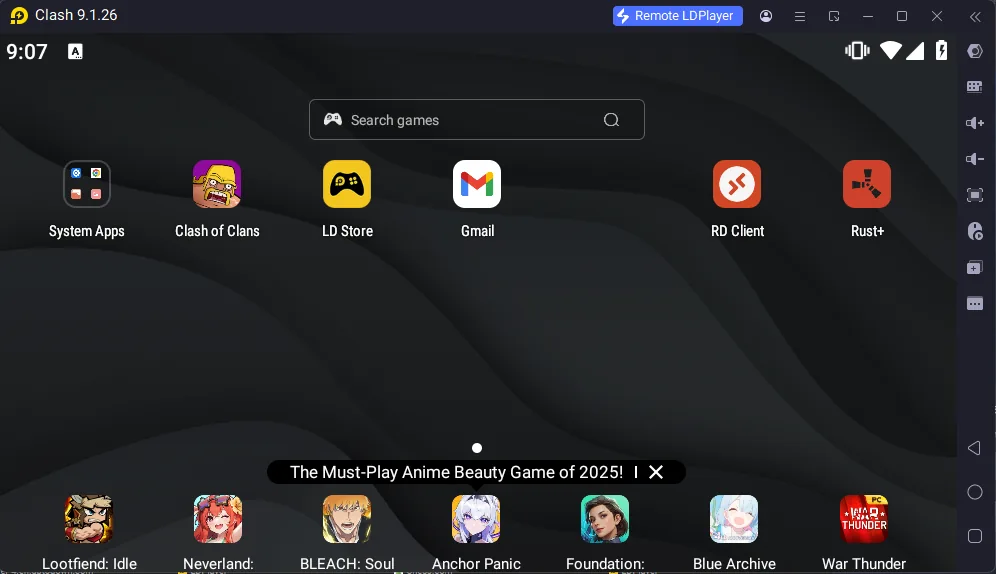
Why it wins for literally everyone:
- Clean & Fast Experience
The free version has only a tiny banner on the sidebar, no full-screen video ads, no forced toolbars, no cryptocurrency miners (yes, some lesser emulators have been caught doing that in the past). - Extremely Frequent Updates
LDPlayer pushes updates almost every 2-3 weeks. When a popular game like Genshin Impact, PUBG Mobile, or Call of Duty Mobile releases a patch that breaks keyboard mapping or performance, LDPlayer is usually the first to fix it. - Best Multi-Instance Synchronization Tool
If you ever want to control 5, 10, or 50 game windows with one mouse click (whether for rerolling, farming events, or just speed), LDPlayer’s “Synchronizer” is simply unmatched in speed and reliability. - Surprisingly Lightweight
Independent tests on sites like GeeLark, BitLaunch, and Android Authority consistently show LDPlayer using less RAM and CPU than BlueStacks while delivering equal or better frame rates. - Great Customer Support
They offer actual English-speaking Discord support, something surprisingly rare in this space.
Perfect for:
- Casual mobile gamers on PC
- Students playing on a laptop in a dorm
- Content creators streaming multiple accounts
- Anyone who hates ads and bloatware
#2. MEmu Play. Most Flexible Android Versions
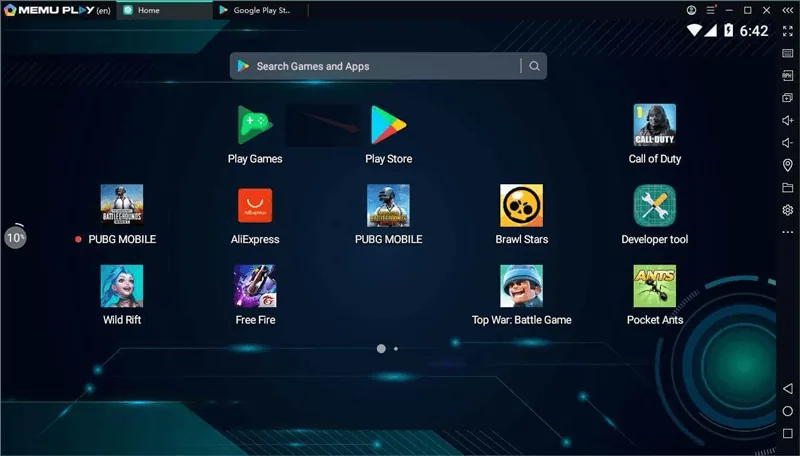
Website: https://www.memuplay.com
Best when you need Android 12 features or want to test older Android 5/7 games. MEmu gives you more version choices than anyone else. Performance is excellent and the macro recorder is top-tier.
Downsides: The free version can throw full-screen ads at you occasionally, and the interface feels a little more cluttered than LDPlayer.
Great for power users who switch between very old and very new games.
#3. NoxPlayer. Still Solid for Basic Use
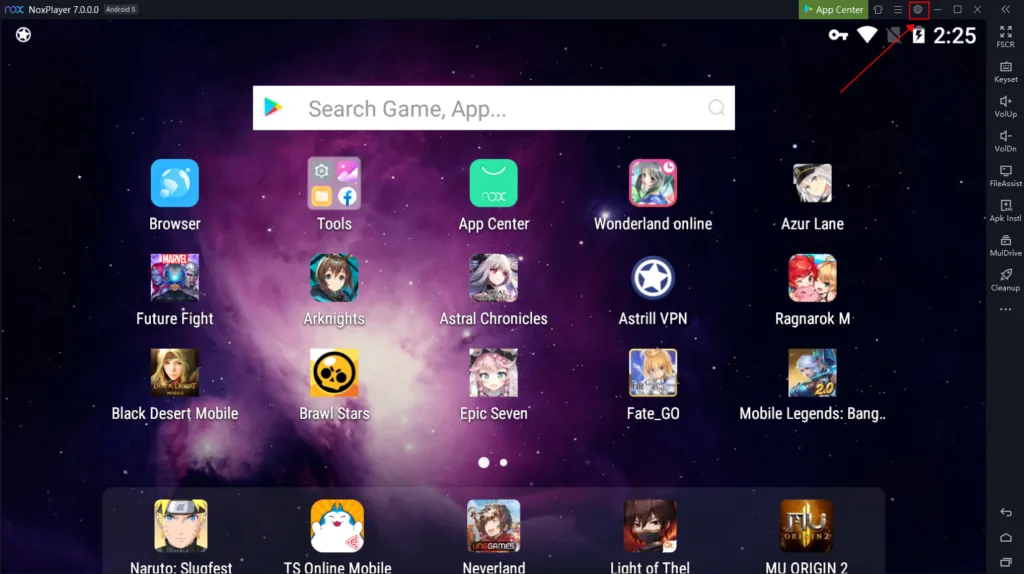
Website: https://www.bignox.com
Nox was one of the most popular emulators from 2017-2021 and it’s still perfectly fine in 2026 for running one or two instances. It’s lightweight and simple.
However, development has slowed down noticeably. Updates are less frequent and the multi-instance performance hasn’t improved in years. If you only play casually, it’s fine, but it no longer keeps pace with LDPlayer or MEmu.
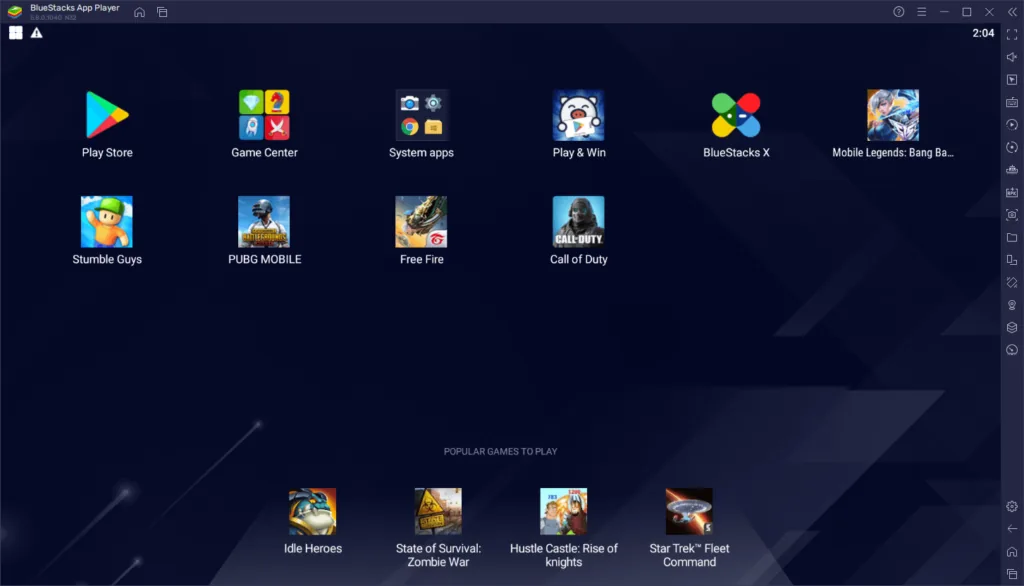
#4. BlueStacks. Beautiful but Bloated
Website: https://www.bluestacks.com
BlueStacks markets itself as the “premium” choice with gorgeous graphics, 240 FPS support, and cloud features. It’s excellent if you’re only running 1-3 instances and want the prettiest experience possible.
Reality check for 2026:
- The free version bombards you with ads (full-screen videos that can’t be skipped for 5-10 seconds)
- Resource usage is significantly higher than the other three
- Many features (unlimited instances, ad-free) are locked behind a subscription
If you’re a casual gamer who plays one account by hand and doesn’t mind paying, BlueStacks is fine. For anyone running the emulator for hours every day (or overnight), the others are simply better value.
Final Ranking for All Audiences (2026)
| Rank | Emulator | Best For | Score |
|---|---|---|---|
| 1 | LDPlayer | Everyone, best balance of speed, features, and cleanliness | 9.6/10 |
| 2 | MEmu | Users who need multiple Android versions | 8.8/10 |
| 3 | NoxPlayer | Casual single-instance gaming on older PCs | 8.0/10 |
| 4 | BlueStacks | Casual gamers willing to pay for no ads | 7.4/10 |
Our Genuine Recommendation
After eight continuous years of running emulators non-stop, the BoostBot.org team unanimously uses LDPlayer on every single one of our own machines, and we recommend it to our friends, family, and community without hesitation.
You can download the exact same clean, up-to-date version we trust here:
Whether you’re just playing your favorite mobile game on a bigger screen, studying while keeping Discord open, or doing something more advanced, LDPlayer is simply the most reliable, fastest-updated, and cleanest option available in 2026.
Happy gaming (and happy saving on your electricity bill)!
If you’re only looking for an emulator, stick with the picks above. If you’re already running one and want a separate bot that plays for you, download BoostBot.
Prefer BoostBot on Google so our code lists and guides show up first when you search.
Add BoostBot on Google